

Blog
DTF T-Shirt Printing Process Explained (Stilotee)

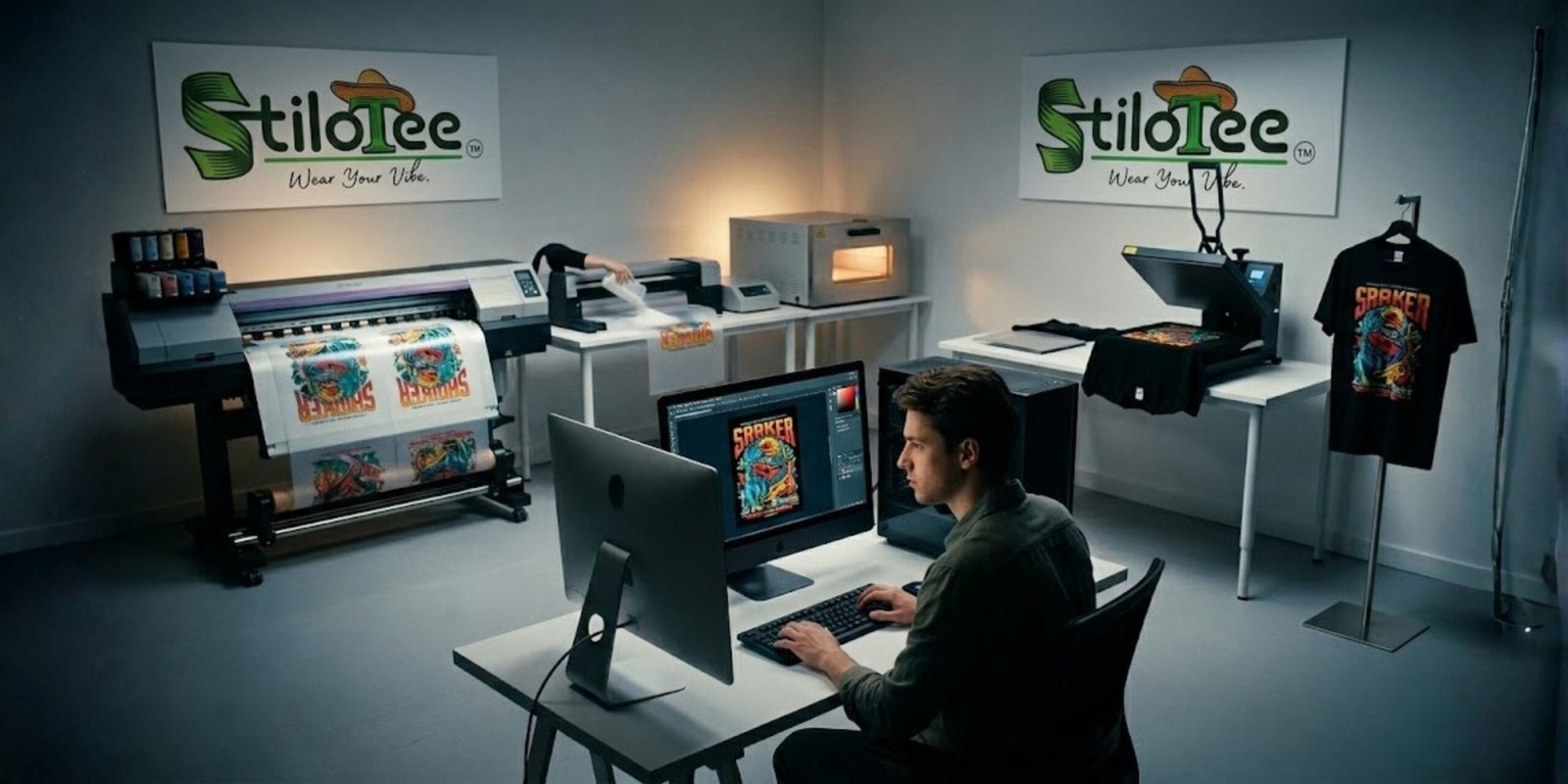
How We Design & Print Premium T-Shirts at Stilotee
Most people see a printed t-shirt and think it’s simple—just a design on fabric.
It’s not.
Behind every high-quality print is a detailed process that involves creativity, technical precision, and the right materials. At Stilotee, we’ve built our workflow to ensure every t-shirt you receive looks sharp, feels premium, and lasts long.
This is a transparent, step-by-step breakdown of how we create our designs and print them using the DTF (Direct-to-Film) t-shirt printing process.
If you’re a customer, this will help you understand what you’re paying for.
If you’re planning to start a t-shirt printing business in India, this guide gives you a real, practical workflow.
What is DTF T-Shirt Printing?
Before jumping into the process, let’s clear the basics.
DTF (Direct-to-Film) printing is a method where a design is printed onto a special film and then transferred onto fabric using heat and adhesive powder.
Unlike traditional methods:
- It works on cotton, polyester, blends
- Produces vibrant colors and sharp details
- Doesn’t crack easily if done correctly
This is why DTF is becoming one of the most popular methods in the custom t-shirt printing business.
1. Idea Generation – Where Every Design Starts
Design is everything. Printing is just execution.
At Stilotee, ideas don’t come from a single source. They come from observation.
We take inspiration from:
- Trending topics and viral content
- Internet memes and pop culture
- Everyday conversations and emotions
- Random words or phrases that feel unique
- Real-life moments (even something as simple as a neighbor’s drawing)
Sometimes a design starts from a single word someone says. That’s how raw ideas work.
The goal is not just to create something “cool”—
it’s to create something people relate to instantly.
That emotional connection is what makes a t-shirt sell.
2. Designing the Artwork (Photoshop & Canva Workflow)
Once the idea is clear, we move into design execution.
Tools we use:
- Adobe Photoshop (main tool for precision work)
- Canva (for quick drafts or layout ideas)
How we design:
- Set canvas in actual print size (very important)
- Work at 300 DPI resolution
- Build typography and graphics carefully
- Adjust spacing, alignment, and balance
A common mistake beginners make is designing without considering print output.
What looks good on screen can fail badly on fabric.
That’s why we design with printing in mind from the start.
3. Color Correction for Fabric Printing
This is where most low-quality prints fail.
Colors on screen and colors on fabric are not the same.
Before printing, we:
- Slightly boost vibrancy
- Adjust contrast
- Ensure colors don’t get dull after transfer
For dark t-shirts, this step becomes even more critical.
If color correction is wrong, the final print looks faded—no matter how good your printer is.
4. Background Removal & Edge Optimization
Now we prepare the file for printing.
Process:
- Remove background completely
- Select the design area precisely
- Use “Contract Selection by 2 pixels”
This small step prevents a common issue:
white outlines around the design after printing
Then:
- Smooth edges
- Clean up rough pixels
This is a detail most people skip—but it separates amateur prints from professional ones.
5. Adding White Base Layer (Spot Color Setup)
In DTF printing, white ink plays a major role.
We create a white base layer (spot color) under the design.
Why this matters:
- Makes colors pop on dark fabrics
- Ensures design visibility
- Improves print quality and sharpness
Without proper white layering, prints look dull and washed out.
6. Exporting the Print File (TIFF Settings)
Now we prepare the final file.
Export settings:
- Format: TIFF
- Resolution: 300 DPI
- Transparent background
- High-quality compression settings
This file is then ready for RIP software processing.
7. RIP Software Processing (Maintop Workflow)
RIP (Raster Image Processor) software is where your design becomes printable data.
We use tools like Maintop to control printing accuracy.
What happens here:
- Design is imported
- White ink layer is generated
- Ink levels are adjusted
- Print layout is optimized
This step directly affects:
- Color accuracy
- Print sharpness
- Ink usage
Bad RIP settings = inconsistent prints.
8. Printing on DTF Film
Now the actual printing begins.
The printer prints in layers:
- CMYK color layer
- Double white ink layer
We use:
- High-quality DTF inks
- Proper calibration for consistency
Why double white layer?
Because it:
- Enhances brightness
- Improves durability
- Gives a premium finish
9. TPU Powder Application & Curing
Right after printing, the design is still wet.
Next steps:
- Apply TPU adhesive powder evenly
- Remove excess powder
Then:
- Place the film in a curing oven
- Heat melts the powder
- Powder bonds with ink
This creates the adhesive layer required for transfer.
Quality of TPU powder directly impacts durability.
Cheap powder = cracked prints after a few washes.
10. Heat Press Transfer Process
This is the final transformation step.
Process:
- Place printed film on t-shirt
- Heat press at 160–170°C
- Press for 10–15 seconds
After pressing:
- Let it cool slightly
- Peel the film carefully
Final step:
- Re-press for 3–5 seconds
This ensures:
- Better bonding
- Increased durability
- Smooth finish
11. Final Quality Check
Before any t-shirt goes out:
We check:
- Print alignment
- Color accuracy
- Surface finish
- Adhesion strength
Only after passing quality checks does the product get packed.
Why This Process Matters (For Customers)
Most brands won’t show this.
Because shortcuts are common:
- Single white layer (cheaper)
- Low-quality powder
- Poor color correction
Result?
- Faded prints
- Cracking after a few washes
- Designs that don’t match what you saw online
At Stilotee, we avoid all of that.
What you see is what you get—premium quality, every time.
How to Start a DTF T-Shirt Printing Business in India
If you’re planning to enter this space, here’s the reality.
Basic setup:
- DTF printer
- RIP software (Maintop, EKPrint, etc.)
- Heat press machine
- TPU powder & PET films
- Design software
What actually matters:
- Strong design sense
- Consistency in output
- Understanding materials
Machines don’t build a brand—
design and quality do.
Q1: What is the DTF t-shirt printing process?
DTF printing involves printing a design on film, applying adhesive powder, curing it, and transferring it onto fabric using heat press.
Q2: Is DTF better than screen printing?
DTF is better for detailed, multi-color designs and small batches, while screen printing is cost-effective for bulk orders.
Q3: How long do DTF prints last?
With proper materials and process, DTF prints can last 50+ washes without cracking.
Q4: What temperature is used for heat press in DTF?
Typically between 160–170°C for 10–15 seconds, followed by a second press.
Q5: Can DTF printing be done at home?
Yes, many small businesses start DTF printing from home with the right setup.
Final Thoughts
This is the exact process we follow at Stilotee—from idea to final print.
No shortcuts. No compromises.
Every step is designed to deliver:
- Better color
- Better durability
- Better overall quality
If you’re buying from us, now you know what goes into your t-shirt.
If you’re starting your own business, this workflow will save you months of trial and error.
If you’re looking for high-quality printed t-shirts that actually last and look exactly as shown, explore our latest collection at Stilotee.
Wear Your Vibe.
Products by Category
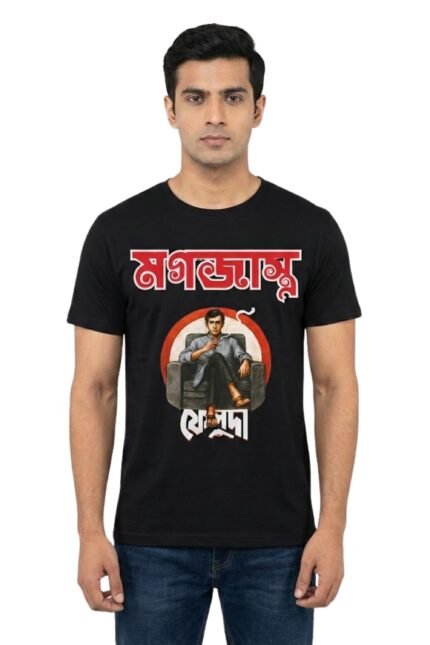
Feluda T-Shirt | Pure Cotton | Classic Bengali Literary Character Tee for Satyajit Ray Fan
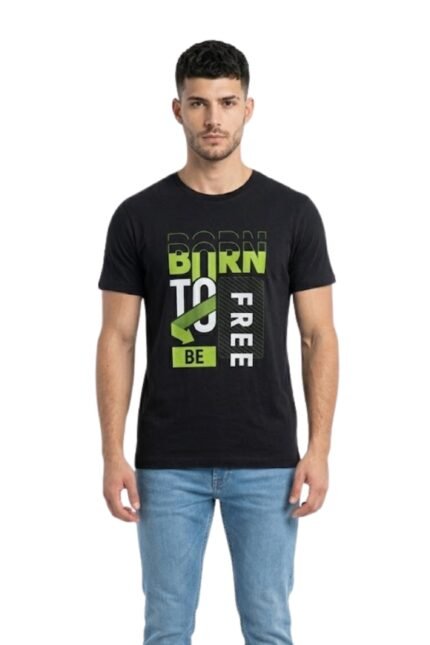
Original price was: ₹1,250.00.₹499.00Current price is: ₹499.00.Freedom Vibe Graphic T-Shirt – Bio Wash 100 Percent Cotton Black
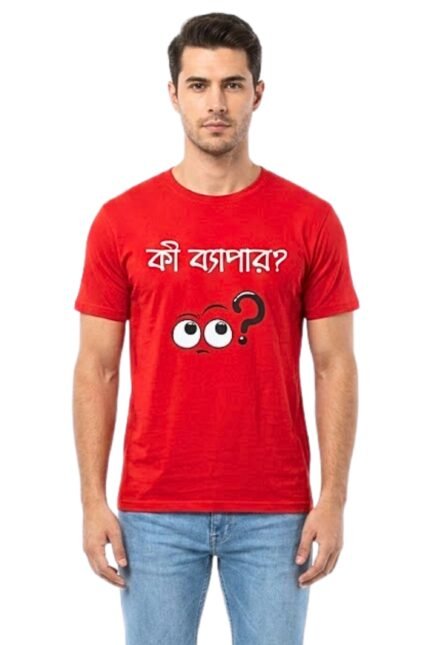
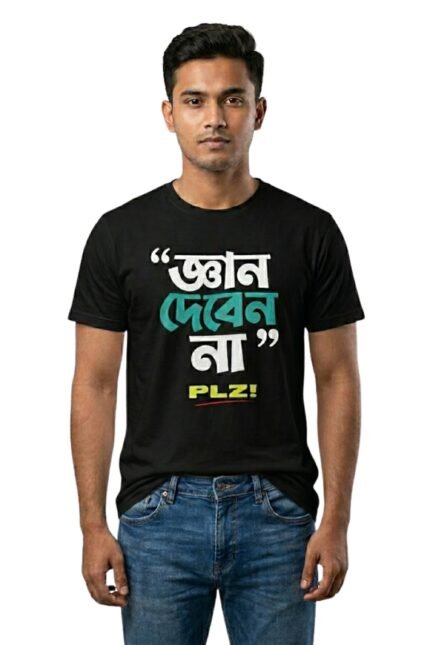
Original price was: ₹850.00.₹499.00Current price is: ₹499.00.Funny Bengali Cultural Quote Tee – Casual Regular Fit Red Streetwear T-Shirt
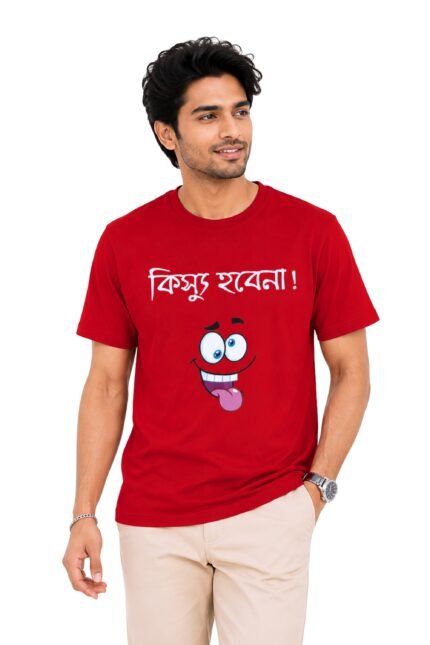
Original price was: ₹600.00.₹499.00Current price is: ₹499.00.Funny Bengali Graphic Printed T-Shirt | 100% Cotton Bio Washed Casual Wear | Round Neck Half Sleeve Regular Fit Bangla Witty Streetwear Tee
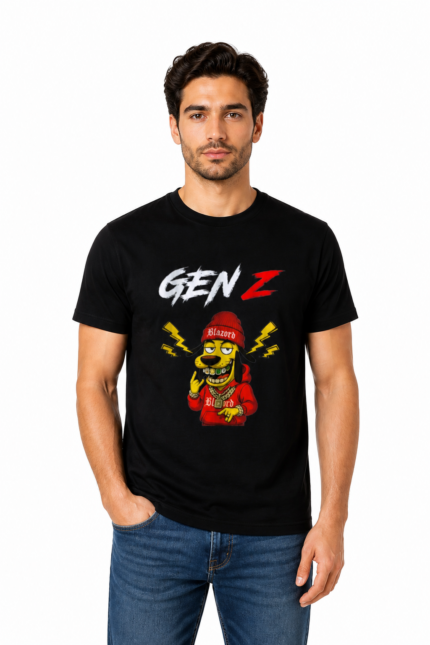
Original price was: ₹1,299.00.₹499.00Current price is: ₹499.00.Generation Z Black Tee | Pure Cotton | Soft Pure Cotton Streetwear
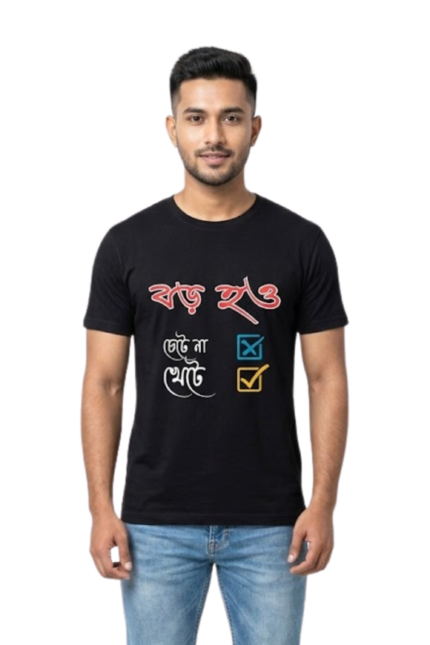
Original price was: ₹1,250.00.₹499.00Current price is: ₹499.00. 1 pieceGrow Up Work Hard Graphic T-Shirt – Bio Wash 100 Percent Cotton Black
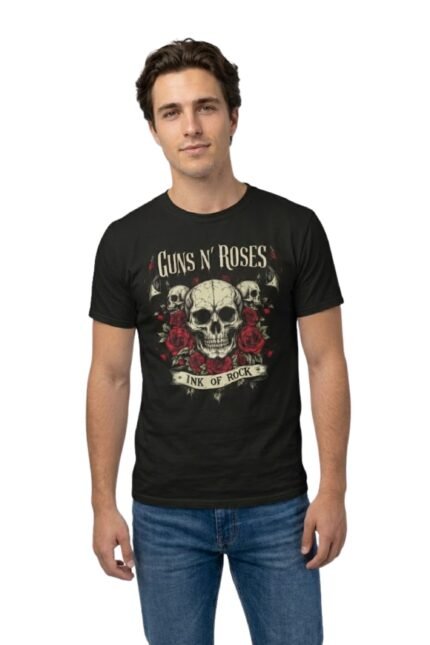
Original price was: ₹1,160.00.₹499.00Current price is: ₹499.00. 1 pieceGuns N’ Roses Skulls & Roses Graphic T-Shirt – Vintage Rock Band Tee
Original price was: ₹1,350.00.₹499.00Current price is: ₹499.00. 1 pieceHeavy Metal Rock On Skull T-Shirt – Vintage Grunge Graphic Tee
Original price was: ₹1,350.00.₹499.00Current price is: ₹499.00.